
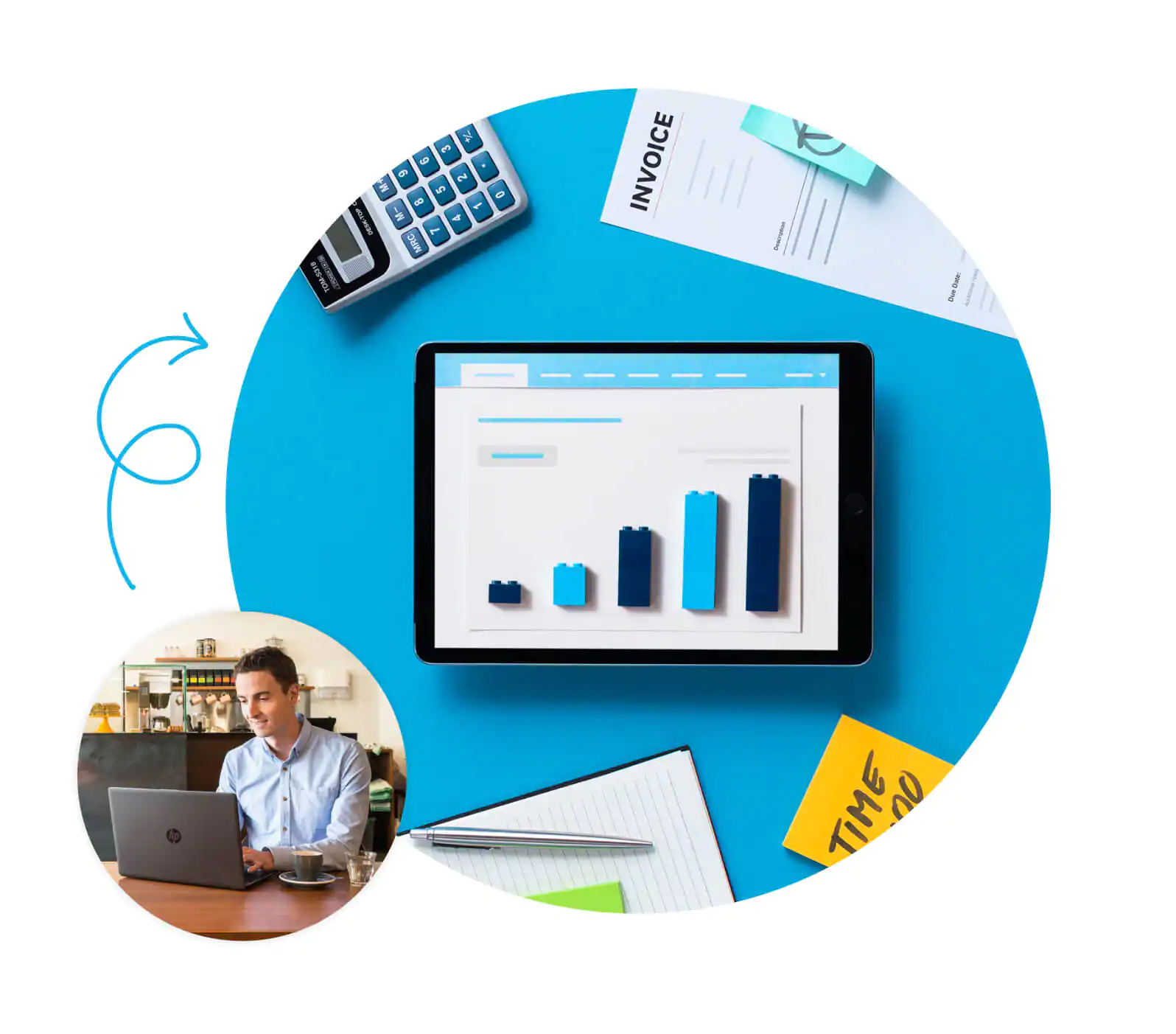
Elevating Operational Efficiency through Digitalization
Streamlining Daily Workflows and Ensuring Data Integrity
In the daily grind of financial management, one of the most significant challenges facing accounting professionals is the rectification of data inconsistencies and manual entry errors. The primary advantage of effectively utilizing modern accounting software lies in its ability to dramatically streamline these "defensive" operations. By establishing seamless integration with bank accounts and credit card transaction data, businesses can automate the exclusion of duplicates and ensure the accurate classification of chart of accounts. This automation is not merely a convenience; it fundamentally alters the monthly closing process. What once took days of tedious cross-referencing can now be accomplished in a fraction of the time.
In practice, enhancing the integrity of the general ledger allows finance teams to reduce the time spent on basic validation and review by more than half. This liberated time can then be redirected toward high-value activities, such as financial analysis and strategic planning. A precise data foundation provides both the mental bandwidth and operational speed necessary for a modern enterprise. Furthermore, the digitization of these processes facilitates a smoother workflow for issuing invoices and categorizing expenses. Online tools can automatically reconcile transactions against bank feeds, preventing human error before it occurs. Whether for a freelancer or a corporate finance officer, the ability to instantly grasp accurate figures creates an environment where business decisions are based on fact rather than estimation. Additionally, the flexibility of cloud-based systems means that data migration and setting adjustments are relatively painless, allowing businesses to upgrade their operational environments without inviting stagnation or downtime.
The Strategic Advantage of Real-Time Financial Visibility
In the fast-paced business environment, the "freshness" of information is often the difference between profit and loss. Relying on a traditional style where managers must wait for annual or monthly reports to see the numbers is a lag that can be fatal. Shifting from static management to a dynamic, real-time financial monitoring system is a critical step in improving productivity. By utilizing KPI dashboards that link directly to the profit and loss statement and balance sheet, stakeholders can check the latest figures at any moment. This immediate visibility allows for smoother cash flow forecasting and more accurate variance analysis between budget and actual performance.
Consequently, management can address issues at the "symptom" stage rather than waiting for them to become full-blown problems. This proactive approach significantly enhances the stability of business management. Just as human resources evaluations are shifting from annual reviews to continuous feedback, financial management is evolving to require quick judgments based on "current numbers." Tools like QuickBooks Online facilitate this by allowing users to monitor sales trends and cash flow status constantly, adapting flexibly to volatile market environments. Furthermore, this digital approach contributes to the standardization of the entire organization. When project revenue management and financial statement creation follow a unified digital procedure, compliance is strengthened, and transparency is heightened. This is particularly vital when collaborating with external tax accountants or sharing data across multiple teams; the cloud becomes a platform not just for calculation, but for optimizing organizational resources and building trust.
Strategic Financial Management and Cost Optimization
Navigating Subscription Tiers and Functional Requirements
When considering the adoption of business accounting software, the first hurdle is often selecting the appropriate plan. Most robust software suites, including enterprise-grade solutions, offer multiple pricing tiers tailored to the growth stage of the business. For a startup or a small-scale operation, a plan focused on basic bookkeeping functions—often termed a "Simple Start"—is usually sufficient. However, as the business scales, hiring more employees and requiring complex project-based costing or detailed budget analysis, the need to migrate to upper-tier plans like "Essentials" or "Plus" becomes apparent. The critical factor is not merely selecting the cheapest option but carefully evaluating whether the plan includes features essential to your specific workflow, such as inventory management, multi-currency support, or payroll processing.
Choosing the "just right" plan for your current business size, often with the advice of a specialist, is the first step in eliminating wasteful spending. It is also important to understand that these tools are designed to scale. A business might start with a basic package to manage invoicing and expense tracking but will eventually need the robust reporting capabilities found in advanced tiers. Below is a guide to help align business needs with typical software capabilities, ensuring that you invest in features that drive value rather than paying for unused potential.
| Business Stage | Primary Focus | Recommended Feature Set | Operational Goal |
|---|---|---|---|
| Early Stage / Freelance | Cash Flow & Invoicing | Basic bookkeeping, expense tracking, invoicing, bank feed integration. | Automate data entry and track income/expenses accurately. |
| Growing SMB | Profitability & Expansion | Bill management, time tracking, multi-user access, basic inventory. | Delegate tasks to team members and manage accounts payable effectively. |
| Established Enterprise | Analysis & Strategy | Project profitability, advanced inventory, budget vs. actuals, class tracking. | Deep dive into data analysis to optimize margins and control departmental budgets. |
| Complex Organization | Automation & Scale | Workflow automation, dedicated support, unlimited users, advanced permissions. | Streamline complex operations and ensure strict data security and compliance. |
Optimizing Back-Office Costs through Outsourcing Models
Beyond the direct cost of software licenses, understanding the cost models associated with outsourcing accounting tasks is vital for financial planning. Generally, the pricing structure for accounting outsourcing falls into two main categories: "hourly-based" and "fixed monthly fees." The hourly model is beneficial for businesses with fluctuating transaction volumes, as you only pay for the actual time spent on your books. This can result in cost savings during quieter months. Conversely, the fixed monthly model is typically set according to the company's revenue scale or the complexity of transactions. This model offers predictability, making budget management easier as the expenditure remains stable regardless of the time the accountant spends.
Integration, Compliance, and System Maintenance
Harnessing the Power of Ecosystem Connectivity
In modern business operations, data is often scattered across various locations: sales platforms, customer relationship management (CRM) tools, and spreadsheet files. Managing these disparate sources manually is a recipe for inefficiency. One of the greatest attractions of contemporary accounting software is its robust ability to integrate with these external tools. For instance, by directly connecting e-commerce platforms or proprietary databases with the accounting system, businesses can drastically reduce manual input errors. Many native integration features allow for connections to be established in minutes without requiring specialized technical knowledge, enabling immediate data synchronization.
This connectivity liberates accounting staff from the mundane task of transcribing figures, allowing them to devote their time to critical analytical work. Once the system is integrated, financial data is visualized in real-time. Interactive dashboards allow users to grasp the latest financial situation at a glance. A significant benefit is the ability to create custom views that display only the necessary information based on specific team members or roles. Furthermore, background features that detect data anomalies or summarize performance help identify changes in numbers that humans might overlook. This mechanism of automated "awareness" serves as a powerful ally for busy business owners, ensuring that the financial ecosystem remains healthy and interconnected.
Sustaining Performance via Maintenance and Expert Support
To utilize software in its optimal state continuously, understanding the mechanics of updates and maintenance is essential. While the strength of cloud-based systems lies in automatic new feature additions and product improvements, there are instances where user intervention is required, such as syncing license information or applying specific patches in desktop environments. This is particularly crucial for data related to taxation, such as payroll, which must always use tables compliant with the latest laws and regulations. Developing a habit of checking update status from the settings screen and downloading the latest data when necessary ensures smooth and accurate accounting operations while maintaining compliance.
Moreover, relying solely on self-taught knowledge to master multi-functional accounting software can consume enormous amounts of time and effort. Leveraging the expertise of certified advisors is a smart choice. These professionals possess a broad range of knowledge, from desktop to cloud versions, and peripheral functions like inventory management. They can propose optimal settings and operational flows tailored to the specific industry and scale of the business, maximizing the software's potential. To help decide when to handle tasks internally versus when to bring in an expert to maintain system health, consider the following decision guide.
| Scenario | Recommended Approach | Reason for Approach |
|---|---|---|
| Routine Updates | In-House / Automated | Cloud platforms handle most updates automatically. Desktop versions require simple scheduled checks. |
| Payroll Setup | Expert Consultation | Tax tables and compliance laws change frequently; mistakes here can lead to legal penalties. |
| Initial Implementation | Expert Consultation | Setting up the Chart of Accounts correctly from day one prevents years of messy data. |
| Monthly Reconciliation | In-House / Hybrid | Routine matching is efficient in-house, but having an expert review monthly ensures accuracy. |
| Data Migration | Expert Consultation | Moving historical data between systems is complex and carries a high risk of data corruption if done incorrectly. |
| Custom Reporting | Hybrid | Users can build basic reports, but experts can script complex logic for deep insights. |
Q&A
-
What is QuickBooks and how does it serve as an Enterprise Accounting Software?
QuickBooks is a comprehensive accounting software designed to manage a wide range of financial tasks for businesses. As an Enterprise Accounting Software, it offers robust features such as advanced reporting, inventory tracking, payroll management, and multi-user collaboration. These capabilities make it ideal for larger businesses that require detailed financial oversight and scalability to handle complex operations.
- How does QuickBooks Online differ from the desktop version in terms of accessibility and functionality?
QuickBooks Online offers the flexibility of accessing your accounting data from any device with an internet connection, which is a significant advantage over the desktop version. It also provides automatic updates, cloud storage, and real-time collaboration with team members or accountants. While the desktop version might offer more advanced features for in-depth financial analysis, QuickBooks Online is more convenient for businesses that prioritize mobility and remote accessibility.
- How does QuickBooks support bookkeeping and accounting needs for businesses?
QuickBooks supports bookkeeping and accounting by automating routine tasks such as invoicing, expense tracking, and bank reconciliation. It simplifies the accounting process by providing customizable financial reports, tax management tools, and integration with banking institutions. This allows businesses to maintain accurate financial records, improve cash flow management, and ensure compliance with accounting standards.
References:
- https://clutch.co/profile/house-bookkeepers
- https://turbotax.intuit.com/tax-tips/tax-deductions-and-credits/tax-deductions-2020-what-will-sunset-or-change/L7gdLfrub
- https://www.business.com/articles/the-future-of-performance-management/